
Setup & Operations · September 6, 2026 · 8 min read
Bitcoin Mining Software: Firmware, Pools and Monitoring
There is no single program called bitcoin mining software. On an ASIC, the mining logic already lives in the machine's firmware; what you choose is the firmware build, the pool it talks to, and the monitoring layer that tells you when something breaks.
This guide explains each layer, what stock and custom firmware change, and the tuning and update practices that keep hardware alive rather than shortening its life.
Firmware Is the Mining Software
Every modern ASIC ships with vendor firmware that runs the hashing engine, drives fans, manages voltage and frequency per hashboard, and speaks the stratum protocol to your pool. You configure it through a web interface on the machine's local IP address — no desktop mining application is involved.
Because firmware controls voltage and clocks, it is the single most dangerous thing to change carelessly. Flash only builds you obtained from the manufacturer or a well-known firmware project, and never from a forum attachment or an unlabelled download.
Stock Versus Custom Firmware
Custom firmware from established projects can improve joules per terahash through finer per-chip tuning, add autotuning profiles, expose better telemetry and support features like immersion presets. On older hardware the efficiency gain can be genuinely significant.
The trade-offs are real: warranty implications, a development fee on some builds, and the risk of instability if you push voltage. Where efficiency matters more than warranty — typically on used machines — custom firmware is often worth it. On new units under warranty, stay stock.
Pool Configuration Done Properly
Enter your pool's stratum URL and port, your worker name, and your wallet address where the pool requires it. Always configure a secondary and tertiary pool: if the primary becomes unreachable, the miner fails over instead of sitting idle burning your rent.
Pick the geographically closest stratum endpoint to reduce stale shares, and choose the payout scheme deliberately. PPS gives steady predictable income, PPLNS pays more in lucky periods and less in unlucky ones.
Tuning: Underclocking Usually Beats Overclocking
Lowering frequency and voltage slightly reduces hashrate a few percent while cutting power more than proportionally, improving joules per terahash and dropping chip temperatures. Cooler chips fail less often, so the machine earns for longer.
Aggressive overclocking buys a small hashrate gain for disproportionate heat, fan wear and failure risk. Reserve it for hydro or immersion machines where the cooling loop can genuinely absorb the extra load.
Monitoring and Alerting
At minimum, enable offline-worker alerts on your pool dashboard so you learn about a dead machine in minutes rather than at the end of the month. Pool-side hashrate is the honest measure of what you are actually being paid for.
Beyond a handful of machines, a fleet management tool that polls each miner's API for hashboard status, chip temperature, fan RPM and error counts pays for itself immediately. Watch trends: rising temperatures at constant load usually mean dust, failing fans or dried thermal paste.
Security and Update Hygiene
Change default credentials on first boot, keep miners on an isolated network segment, and never expose a miner's web interface to the public internet. Compromised firmware that silently redirects your hashrate to someone else's pool is a well-documented attack.
Update firmware deliberately: read the release notes, test on one machine, confirm stable hashrate and temperature for a day, then roll out. Our repair centre supports customers through firmware recovery and hashboard diagnostics when an update goes wrong.
Frequently Asked Questions
- Do I need to install mining software on my computer?
- No. ASIC miners run their own firmware and connect to a pool directly. Your computer is only used to open the miner's web interface for configuration.
- Is custom ASIC firmware safe?
- From established, well-known projects, generally yes — and it can improve efficiency. It may void warranty, and unofficial builds from unknown sources risk hijacked hashrate or bricked hardware.
- What is the best mining pool setup?
- Use the closest regional stratum endpoint as primary, with two backups configured for automatic failover, and choose PPS for predictable payouts or PPLNS for luck-based upside.
- How do I monitor several miners at once?
- Use pool-side alerts plus a fleet monitoring tool that polls each machine's API for hashboard status, temperatures and fan speeds, so you catch faults before they cost a full day of revenue.
Recommended Miners From Our Inventory
Hardware in stock that matches this guide. Every unit is bench-tested and hashrate-verified before it ships.

Bitmain Antminer AL1 16.6 Th/s ALPH Miner
16.6 Th/s | 3730W
Blake3 · New
$14,284
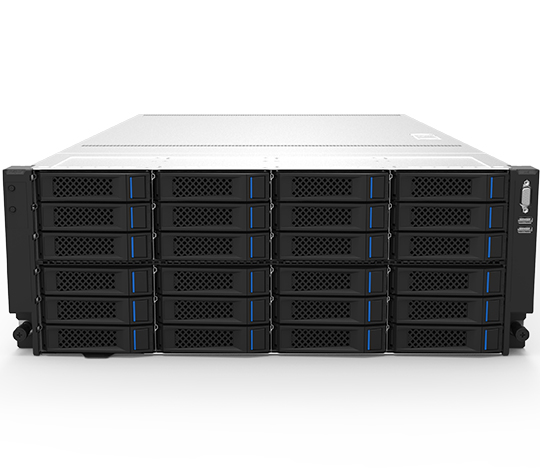
Bitmain Antminer On-Rack Filecoin Miner 4300T FIL Miner
4300T | -
PoST · New
$8,888
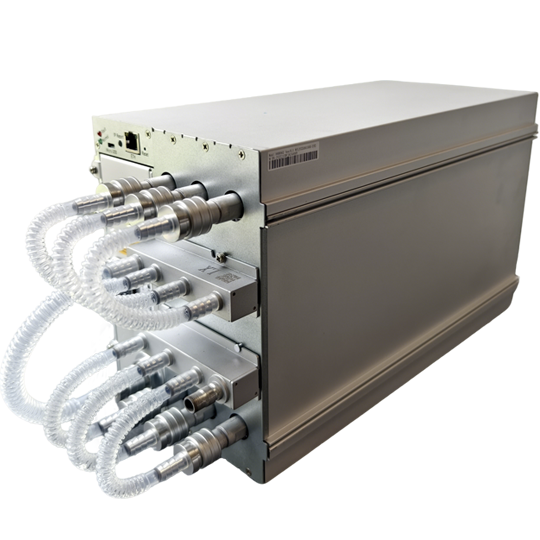
Bitmain Antminer S23 Hyd. 580 Th/s Bitcoin Miner
580 Th/s | 5510W
SHA-256 (Bitcoin) · New
$17,400
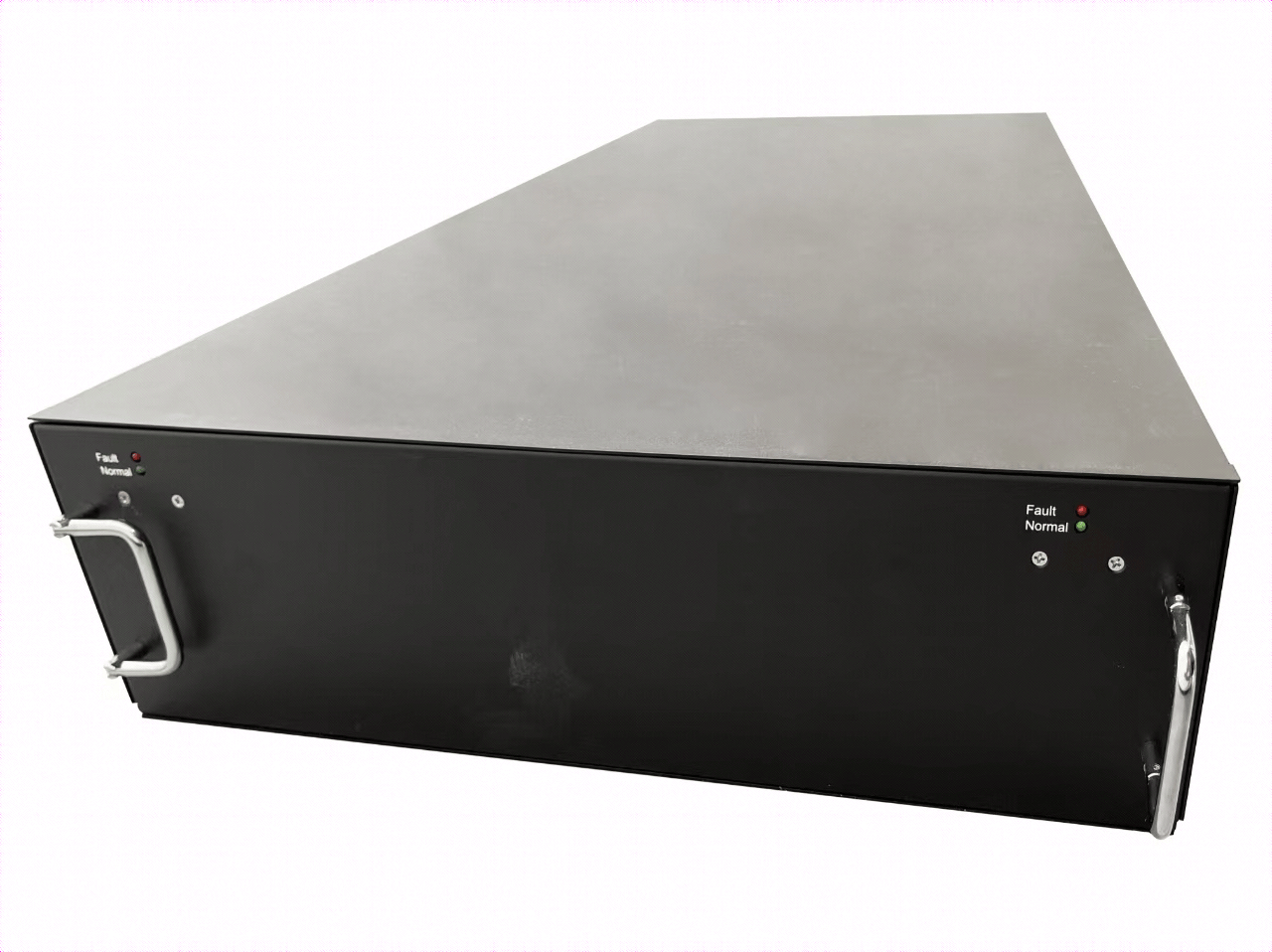
Bitmain Antminer U3S23H 1160 Th/s Bitcoin Miner
1160 Th/s | 11020W
SHA-256 (Bitcoin) · New
$34,800
Bitmain Antminer L11 HU2 35 Gh/s LTC Miner
35 Gh/s | 5775W
Scrypt · New
$16,415
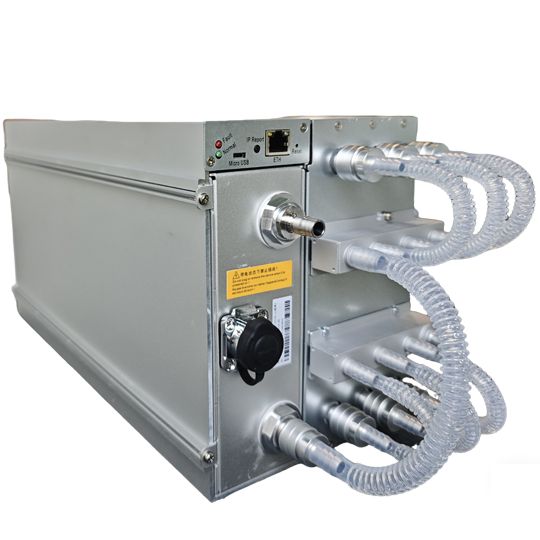
Bitmain Antminer S21 XP+ Hyd. 480 Th/s Bitcoin Miner
480 Th/s | 5280W
SHA-256 (Bitcoin) · New
$9,120
Want the numbers run for your site?
Send us your electricity rate, available amperage and budget. We will model the machines that actually pay back at your power cost — no obligation.
Talk to an engineer