
Setup & Operations · September 4, 2026 · 9 min read
ASIC Monitoring Software: Fleet Dashboards Compared
Unmonitored miners fail silently. A hashboard drops out, a fan seizes, a pool connection stalls, and the machine keeps drawing power while producing a fraction of its hashrate. Monitoring software exists to turn that invisible loss into an alert you can act on the same day.
This guide covers the three layers of monitoring every operator needs — firmware, pool and fleet — and how to combine them without paying for tooling a small farm does not need.
Layer One: The Firmware Dashboard
Stock Bitmain, MicroBT and Canaan firmware exposes a web interface showing per-board hashrate, chip temperatures, fan RPM, frequency and error counts. Custom firmware such as Braiins OS+ and Vnish adds autotuning, per-chip telemetry and efficiency targets, which is genuinely useful when you are chasing joules per terahash.
Read the per-board numbers, not just the total. A machine reporting two of three boards at full speed still shows a plausible-looking total after autotune compensates, and that is exactly the failure people miss for weeks.
Layer Two: Pool-Side Alerts
Your pool sees your real accepted hashrate, which is the number that pays. Configure worker names per machine, then enable the pool's offline and low-hashrate alerts. This catches network problems, bad configuration and machines that hash locally but never submit shares.
Pool alerts are free and vendor-neutral, so set them up before buying any paid tooling. Use one worker name per unit so an alert identifies the machine rather than the site.
Layer Three: Fleet Management Tools
Once past roughly ten units, spreadsheets and browser tabs stop scaling. Fleet tools — Braiins Manager, Foreman, Awesome Miner, manufacturer tools such as the WhatsMiner utility for bulk configuration and firmware pushes — give you one table of every machine, batch configuration, scheduled reboots and historical charts.
Choose on three criteria: does it support every firmware you run, can it batch-configure pools and passwords, and does it alert by a channel you actually read. Charting is pleasant; alerting is what saves money.
The Metrics Worth Alerting On
Accepted hashrate below ninety percent of expected for more than fifteen minutes, any board at zero, chip temperature above the manufacturer limit, fan RPM outside range, and power draw drifting up while hashrate stays flat — that last one is early evidence of thermal degradation or a failing PSU.
Log everything to a time series you keep for at least a year. Warranty conversations and resale valuations both go better when you can show clean historical telemetry for a machine.
Network and Access Hygiene
Put miners on their own VLAN or subnet with static leases, never expose control interfaces to the public internet, change default passwords on delivery, and reach the fleet over a VPN. Mining control panels are routinely scanned for and hijacked to redirect hashrate to someone else's pool.
Snapshot your configuration — pool URLs, worker names, firmware versions, tuning profiles — so a replacement unit can be brought online in minutes rather than rebuilt from memory.
Frequently Asked Questions
- Do I need paid monitoring software for a few miners?
- No. Firmware dashboards plus pool-side offline and low-hashrate alerts cover one to ten machines well. Paid fleet tools start paying for themselves when manual checks stop being realistic.
- Which metric catches the most failures early?
- Accepted hashrate at the pool, per worker. It reflects real paid output and captures firmware, thermal and network faults in one number.
- Can I monitor mixed Bitmain and WhatsMiner fleets in one tool?
- Yes — several fleet managers support both, though feature depth varies by firmware. Verify support for your exact models and firmware versions before subscribing.
- Is custom firmware worth it for monitoring alone?
- Its telemetry is better, but the real gain is autotuning efficiency. Treat improved monitoring as a bonus on top of the joules-per-terahash improvement.
- How do I keep miner interfaces secure?
- Isolate them on a dedicated network segment, change default credentials, disable internet exposure, and access them through a VPN. Never port-forward a mining dashboard.
Recommended Miners From Our Inventory
Hardware in stock that matches this guide. Every unit is bench-tested and hashrate-verified before it ships.

Bitmain Antminer AL1 16.6 Th/s ALPH Miner
16.6 Th/s | 3730W
Blake3 · New
$14,284
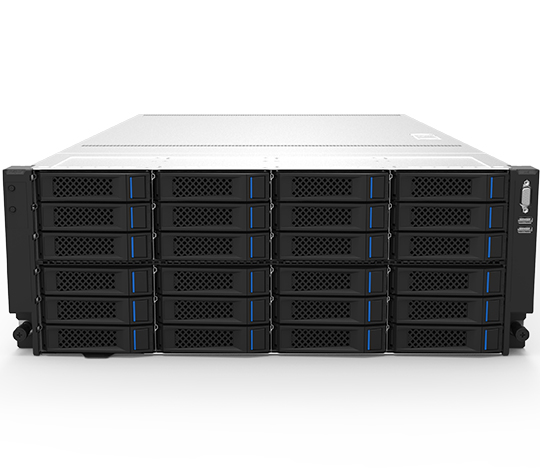
Bitmain Antminer On-Rack Filecoin Miner 4300T FIL Miner
4300T | -
PoST · New
$8,888
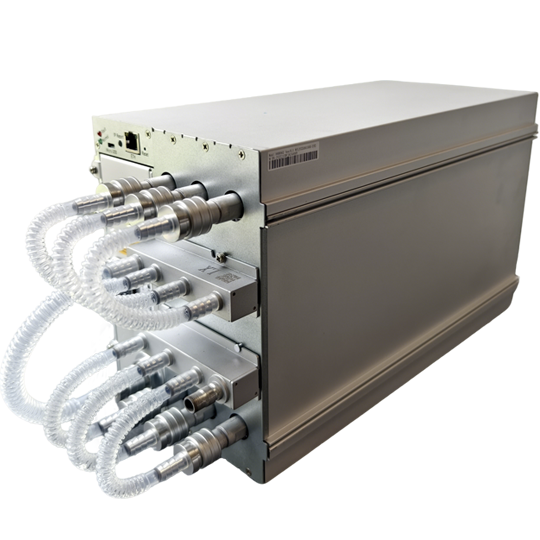
Bitmain Antminer S23 Hyd. 580 Th/s Bitcoin Miner
580 Th/s | 5510W
SHA-256 (Bitcoin) · New
$17,400
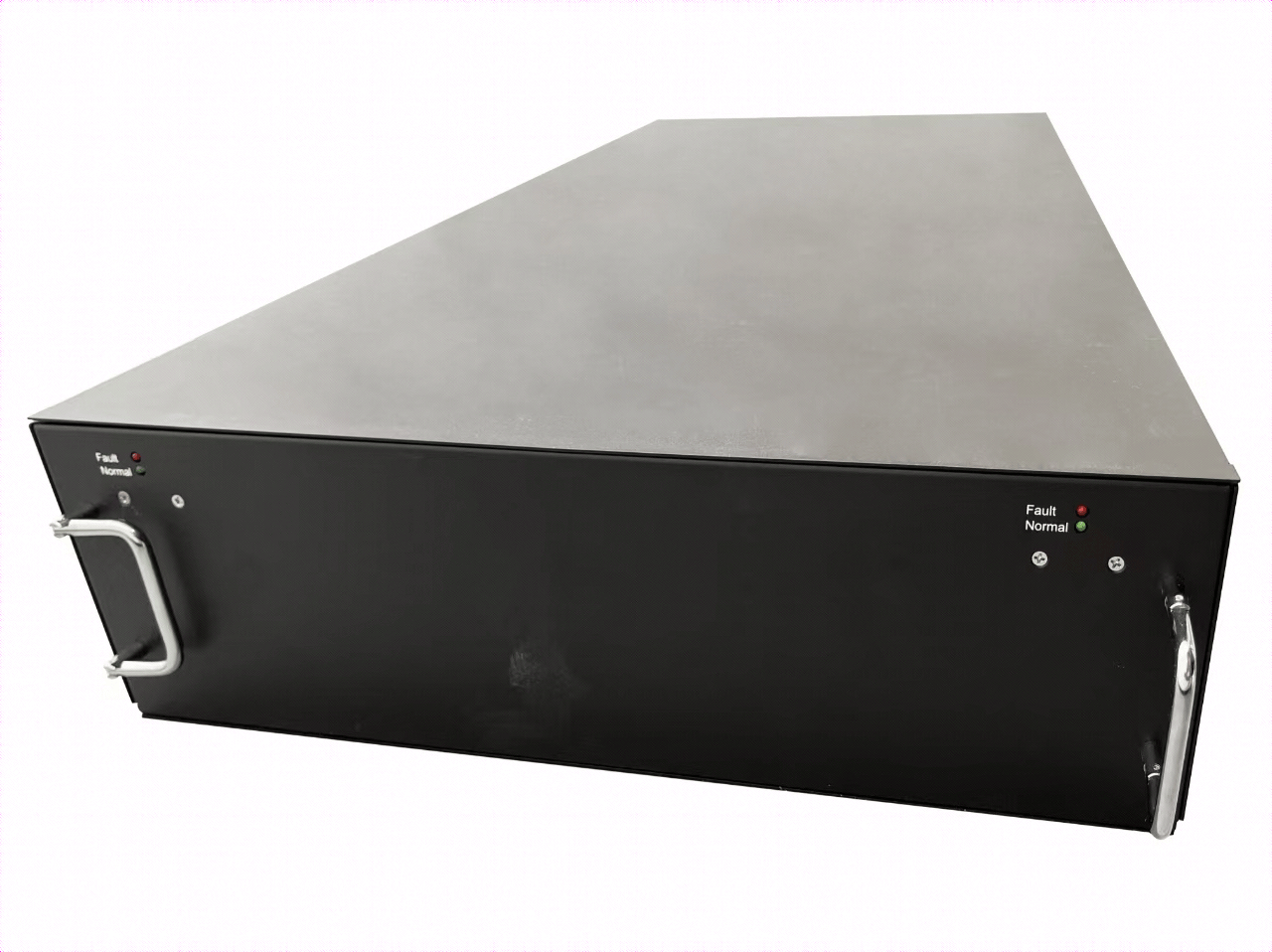
Bitmain Antminer U3S23H 1160 Th/s Bitcoin Miner
1160 Th/s | 11020W
SHA-256 (Bitcoin) · New
$34,800
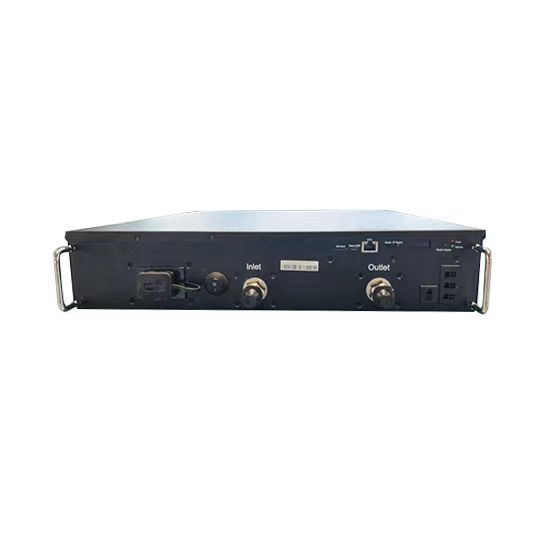
Bitmain Antminer L11 HU2 35 Gh/s LTC Miner
35 Gh/s | 5775W
Scrypt · New
$16,415
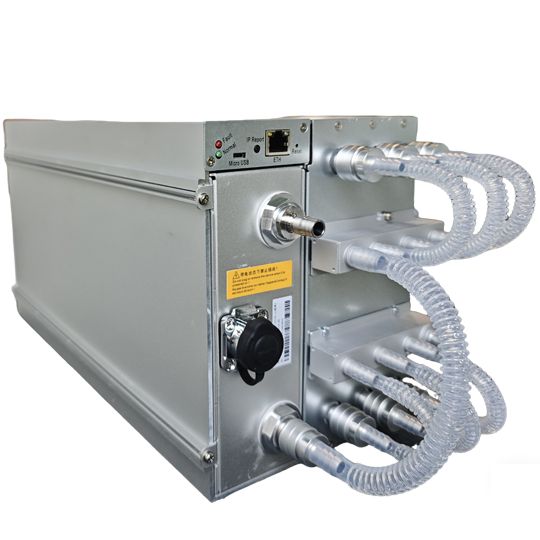
Bitmain Antminer S21 XP+ Hyd. 480 Th/s Bitcoin Miner
480 Th/s | 5280W
SHA-256 (Bitcoin) · New
$9,120
Want the numbers run for your site?
Send us your electricity rate, available amperage and budget. We will model the machines that actually pay back at your power cost — no obligation.
Talk to an engineer